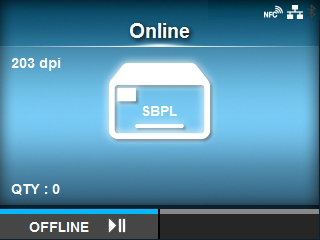
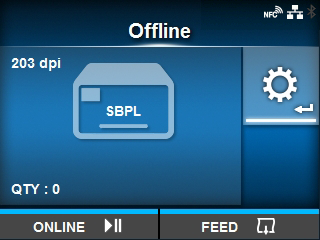
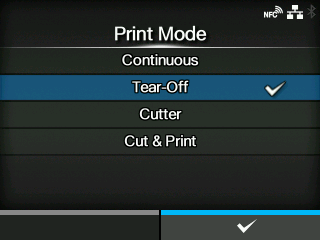
[Continuous]
[Tear-Off] (Feeding media to the position for manual cutting)
[Cutter]
[Cut & Print]
Allows you to continuously print and cut at the specified media repeat. If no print data is received within the period specified for [Eject Cut], the product will feed the media to the cut position and cut the last printed media. Media errors do not occur when using cut & print mode. You can specify this option if you have installed the cutter unit.

[Dispenser]
[Linerless] (CL4NX only)
•
You cannot set the [Print Mode] if [Auto-mode] is [Enabled].
3.
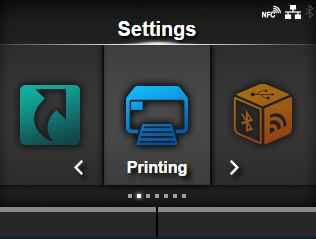
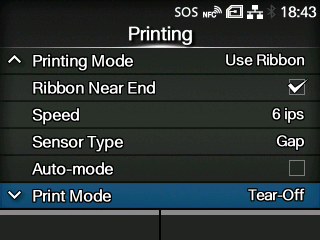
Select [Printing] using the / buttons.
5.
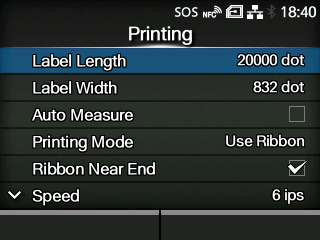
Select [Print Mode] using the / buttons.
The [Print Mode] screen appears.
•
(CL4NX only) Do not select Linerless Mode to use RFID tags on an RFID model. If you set Linerless Mode, you cannot use RFID tags.
•
If no option is installed, [Continuous] and [Tear-Off] are available.
•
If the optional cutter unit is installed, [Continuous], [Tear-Off], [Cutter], and [Cut & Print] are available.
•
If the optional dispenser unit is installed, [Continuous], [Tear-Off], and [Dispenser] are available.
•
If the optional linerless cutter kit is installed to CL4NX, only [Linerless] is available.

Back to top