Setting Printing Operations
Automatically Switch Printing Operations
Manually Set Printing Operations
Manually set the print mode.
To set the print mode manually, disable [Auto Print Mode].
The print modes that can be used differ according to the options.
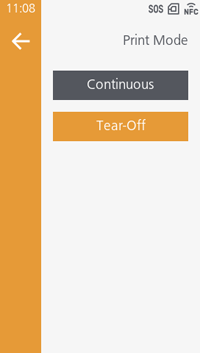
[Continuous]
The specified number of pieces of media are printed continuously.
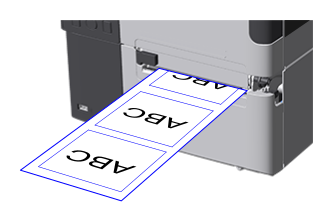
[Tear-Off]
- After printing, media is fed to the tear-off position.
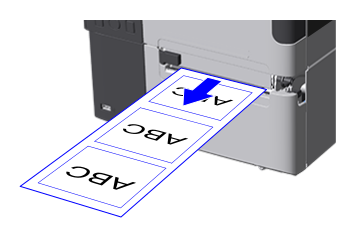
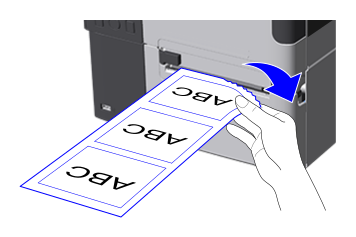
- Tear off the media at the front edge of the media discharge outlet.
[Cutter]
After printing, the media is automatically cut.
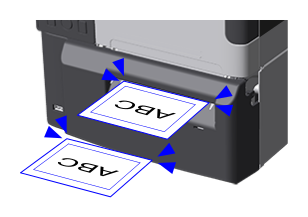

- This can be set while the cutter unit or rotary cutter unit is being used.
[Cut & Print]
The printed media is cut at the cut position while printing operations continue.
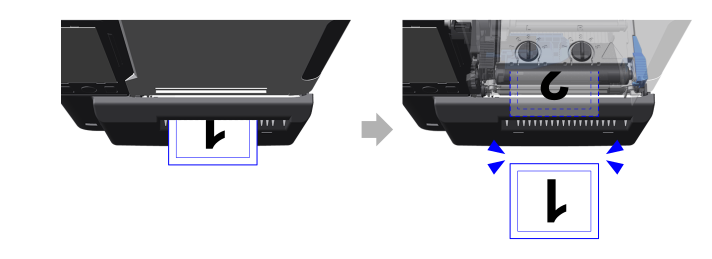
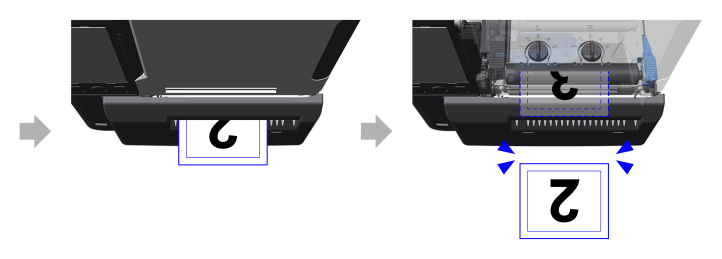
- This can be set while the cutter unit or rotary cutter unit is being used.
- Be careful of the print layout because white streaks may occur around the location of the print head when cutting.
- With [Eject Cut], you can set the time between when the last printed media is ejected and when it is cut. For more information, see Setting the Timing to Cut Media.
[Dispenser]
- The printed labels are peeled from the liner as they are ejected.
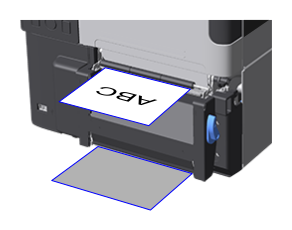
- Remove the label.
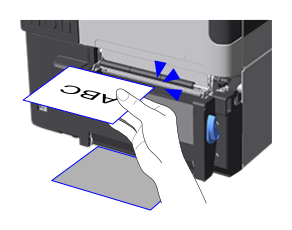
When the label is removed, the next one starts printing.
- This can be set when the dispenser unit is being used.
[Linerless Cutter]
Prints on labels that have no liner.
After printing, the label is automatically cut, then when you remove it the next one starts printing.
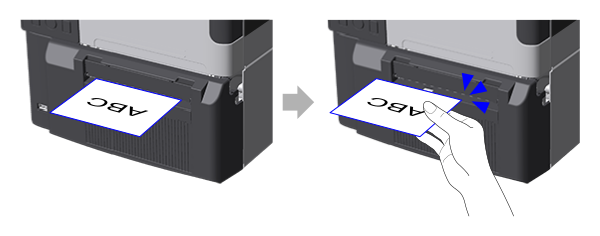
- This can be set when the linerless cutter unit is being used.
Initial value:
- Standard: [Tear-Off]
- When using a cutter: [Cutter]
- When using a dispenser: [Dispenser]
- When using a rotary cutter: [Cutter]
- When using a linerless cutter: [Linerless Cutter]
Setting the Timing to Cut Media
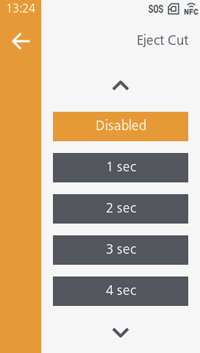
You can set the time between when the last printed media is ejected and when it is cut.
Appears if you select [Cut & Print] for [Print Mode].
Initial value: [Disabled]