Settings Related to Language and Region
Configure settings related to the display language, time zone, date and time, and units.
Changing the Display Language
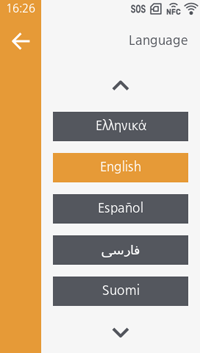
Initial value:
-
 [日本語]
[日本語] -
 [English]

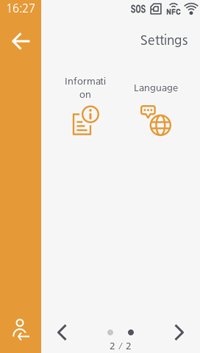
- Enabling [Language & Region] > [Language Shortcut] will display the [Language] menu in the [Settings] screen, allowing you to access the language settings directly.
Changing the Time Zone
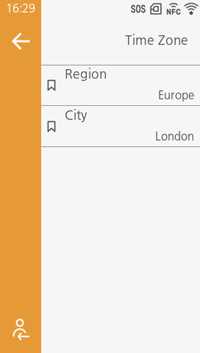
Select the region and city where the product will be used.
Initial value:
- [Region]:
[Asia],
[Europe]
- [City]:
[Tokyo],
[London]
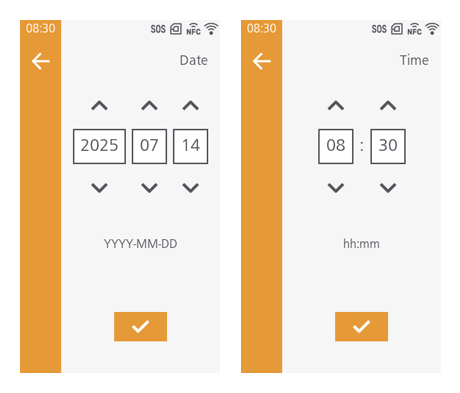
Setting the Date and Time
Changing the Display Units
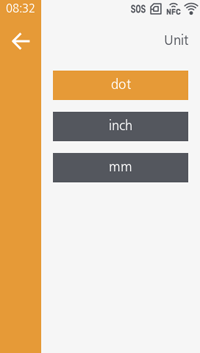
Initial value: dot