TOP > Adjusting the Product > Initializing the Product > Procedures for Initializing > Initializing Data and Setting Values of the Product
3.
Select [Tools] using the + or buttons, and then press the button.
4.
Select [Reset] using the + or buttons, and then press the button.
5.
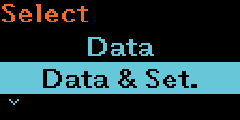
Select [Data & Set.] using the + or buttons, and then press the button.
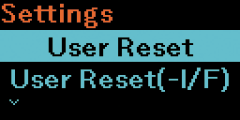
[User Reset]
[User Reset (-Interface)]
[Factory Reset]
[Factory Reset (-Interface)]
Initialize the items that are not included in the [Interface] menu to the status after factory shipment.
[Interface]
[Printing]
Press the button to cancel the initialization.

Back to top