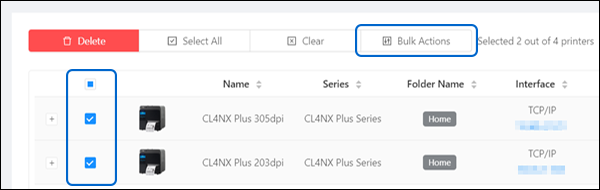
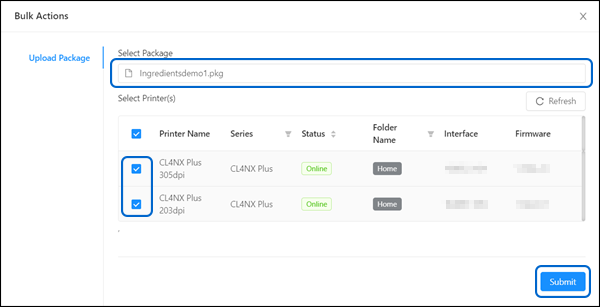
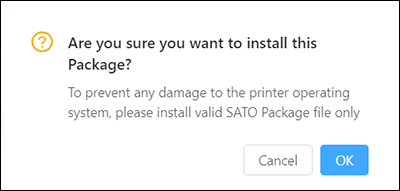
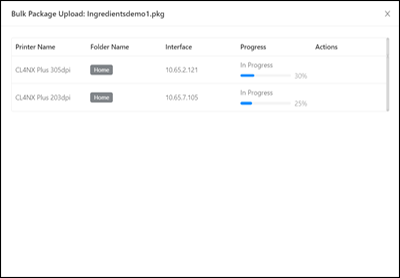
TOP > Navigating the Application > Printer Page > Bulk Upload Bulk Upload Enable bulk upload of a single .pkg file to multiple printers. 1. On the printer page, select the printers you want, or select all printers in the group. 2. Click [Bulk Actions].3. Click the [Select Package] to select the .pkg file.4. Click the [Select Printer(s)] to modify the printers selected for bulk upload. • You may click [Refresh] to update the latest printer status.5. Click [Submit].A confirmation dialog is shown.6. After confirming, click [OK] to proceed.The Bulk Package upload progress dialog for all selected printer is shown. • You can close the window while the upload is in progress. To check the upload progress later, go to [Notifications].