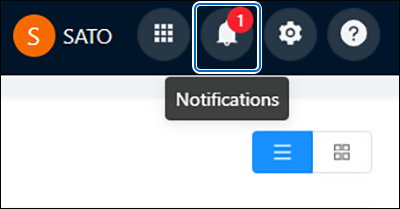
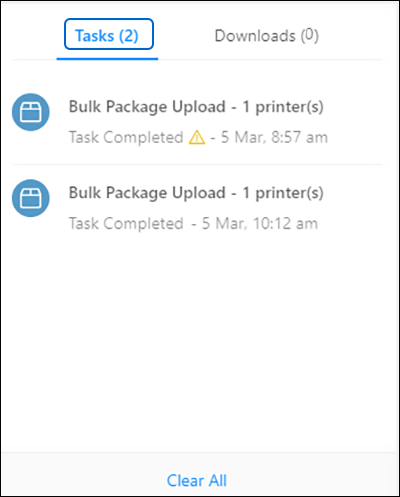
TOP > Navigating the Application > Top Toolbar > Notifications Notifications Use the notifications page to check if your task is processing or completed. 1. On the top toolbar, click [Notifications]. The [Notifications] dialog is shown.2. Click [Tasks].3. Choose a notification to view the task progress or status. The information displayed depends on the task. • Select [Clear All] to remove all task notifications.• Task notifications are cleared automatically when you close the application.