TOP > Various Menus of the Application > The [Settings] Menu
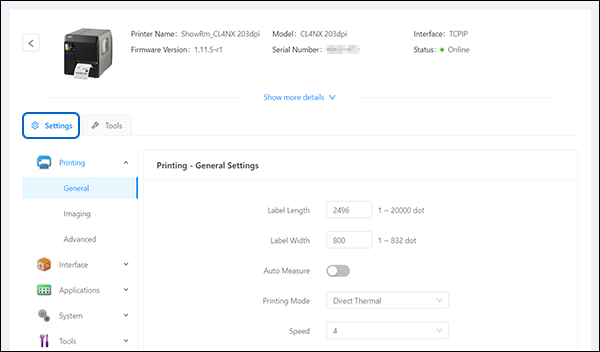
The [Settings] Menu
On the printer page, click [Settings] of the selected printer to show the [Settings] menu.
•
When [Printer Status Monitoring] is disabled, the displayed printer status might not reflect the current printer status.
•
Click the button on the upper left of the [Settings] menu to return to the printer page.
[Paired Devices]

Top

Back