Remote Desktop
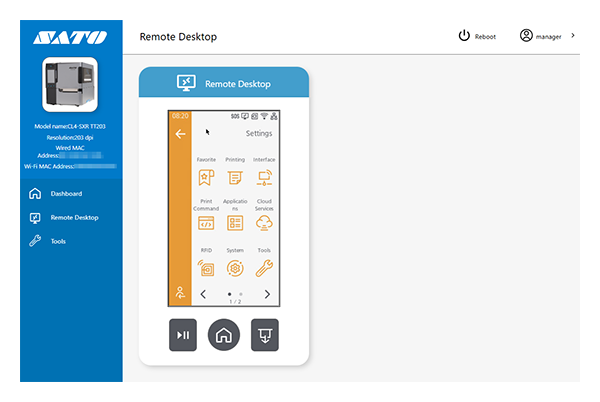
Display the screens of the product on your browser to be able to operate the product remotely.

- To use the remote desktop function, you must enable [Remote Desktop] in the [Interface] menu. For more information, see Setting the Remote Desktop Function.
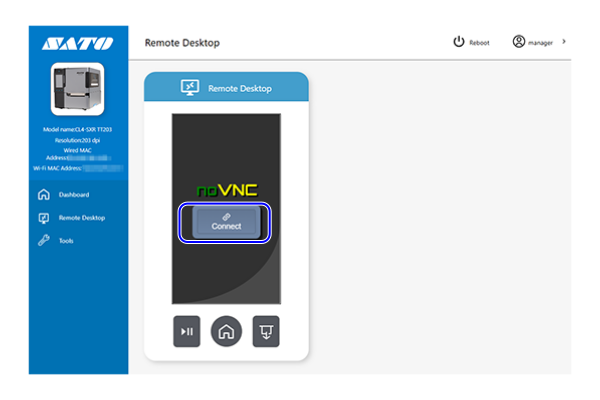
Follow the steps below to connect to the product.
- Click [Connect].
The screen of the product is displayed.