Cleaning When Using Standard/Cutter
Wipe the following parts with a cloth dipped in cleaning solution.
You can also check the cleaning procedure in the video. (Cleaning)
Print Head
Cleaning recommendation: Every 1 media roll or 150 m (492.13 ft) printed
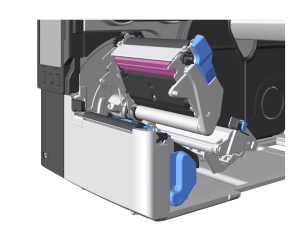

- The print head and its surroundings are hot after printing. Wait until the product cools down.
- Touching the edge of the print head with your bare hand could cause injury.
Using Cleaning Sheets to Clean the Print head
Cleaning sheets are used when there is persistent dirt on the print head.

- Clean with cleaning sheets every time 6 rolls of media roll are used or every time 900 meters (2,952.76 ft) is printed.
- Insert the rough side of the cleaning sheet adjacent to the print head, and insert it between the print head and the platen roller.
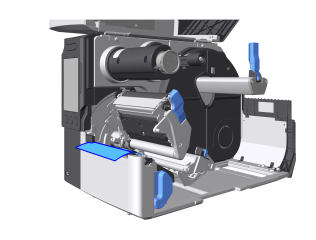
- Push the head assembly downward until it "clicks" into place.

- When pushing the head assembly downward, be careful not to pinch your fingers.
- Using both hands, pull the cleaning sheet from the discharge outlet.
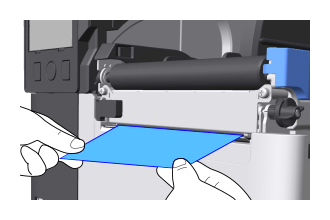
- Repeat steps 1 through 3, two or three more times.
When no dirt appears on the cleaning sheet after you have pulled it out, stop repeating these steps. - Press the head lock lever backward.
- Wipe dirt off the print head with a cloth dipped in cleaning solution.
Platen Roller
Cleaning recommendation: Every 1 media roll or 150 m (492.13 ft) printed
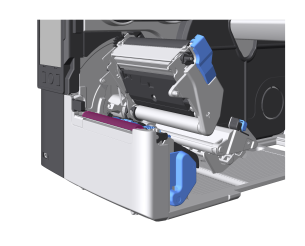

- For instructions on how to remove and install the platen roller, see Replacing the Platen Roller.
Media Sensors
Cleaning recommendation: Every 1 media roll or 150 m (492.13 ft) printed
- Bottom of media sensor guide
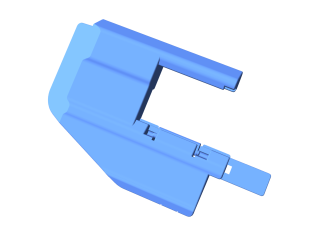
The media sensor guide is removed by pulling the lock toward you to release it, then pulling it out.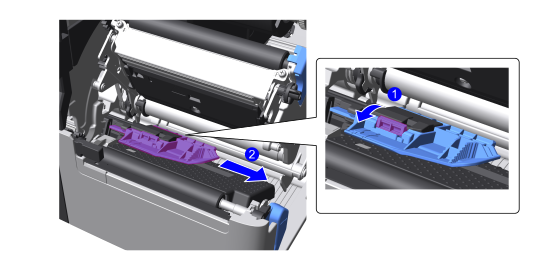
- Media sensor
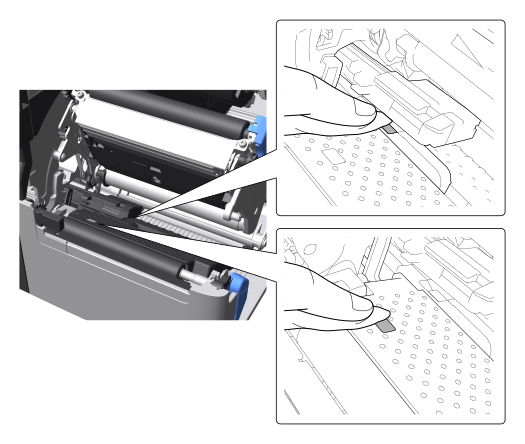
For RFID models: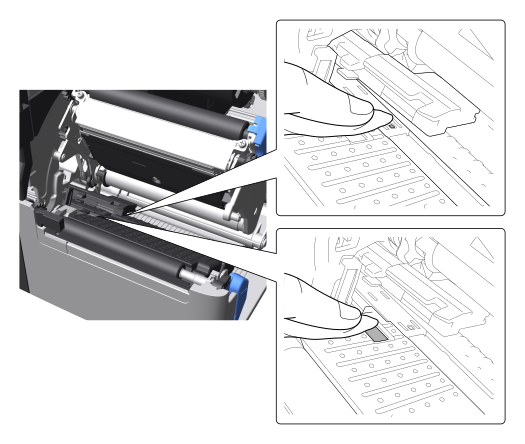
- Label top sensor
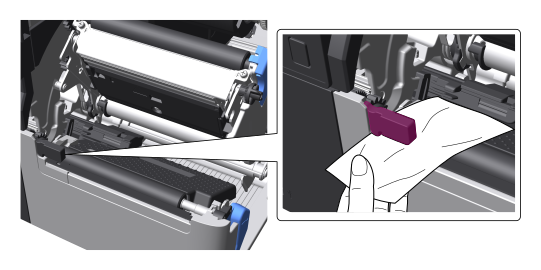
Media Guide
Cleaning recommendation: Every 1 media roll or 150 m (492.13 ft) printed
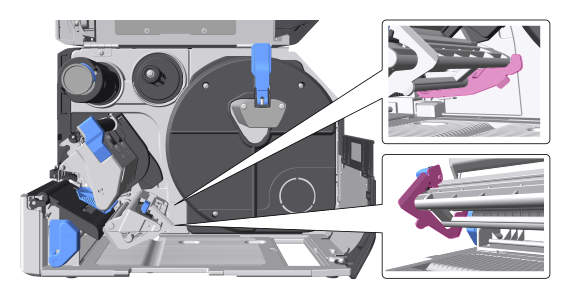
Ribbon Roller
Cleaning recommendation: Every 1 media roll or 150 m (492.13 ft) printed
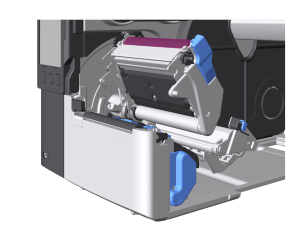
Ribbon Path
Cleaning recommendation: Every 6 media rolls or 900 m (2,952.76 ft) of media printed
- Shaft
Hold the head assembly in your hand as you clean it.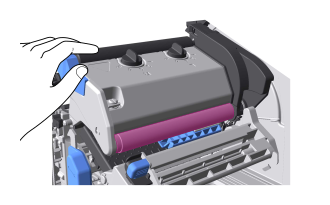
- Plate
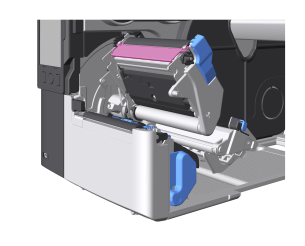
Media Path
Cleaning recommendation: Every 6 media rolls or 900 m (2,952.76 ft) of media printed
Wipe off any dirt on the path the media takes.