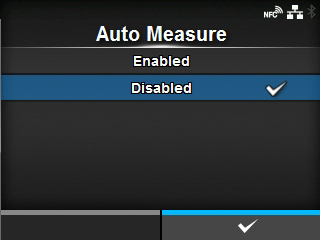
TOP > Various Settings of the Product > The Product's [Settings] Menu > [Printing] Menu > [Auto Measure]
button, the product feeds two pieces of label and measures the label length.


 button to show the Online or Offline screen.