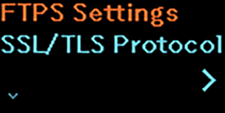
TOP > Various Settings of the Product > Product’s [Settings] Menu > [Interface] Menu > [Network] (PW208NX wireless LAN model only) > [Services] > [FTP] > [FTPS Settings] [FTPS Settings] Set the functions for FTPS. Available if an FTPS certificate is installed and [FTPS] menu is set to [Enabled]. The setting items are as follows: SSL/TLS Protocol Set the protocol to be used for encryption. Cipher Suites Set the cipher suites. Back to top