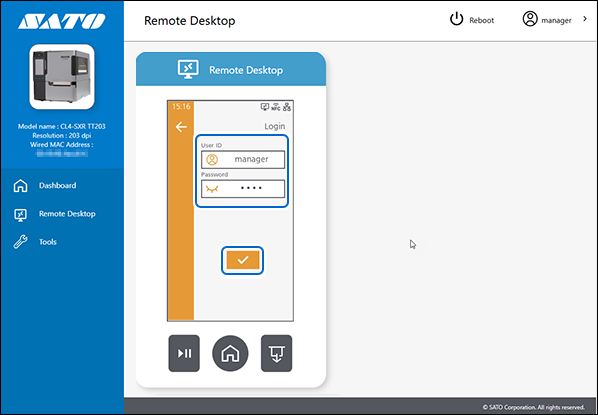
TOP > Getting Started > Adding a Printer > Adding a Printer Manually via Supported Interface Setting > Configure Printer Security Settings in Web Configuration (For CL4-SXR and CL6-SXR Series)
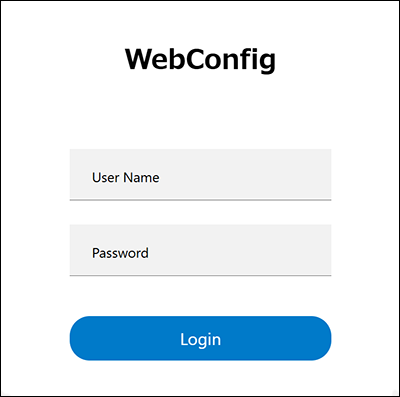
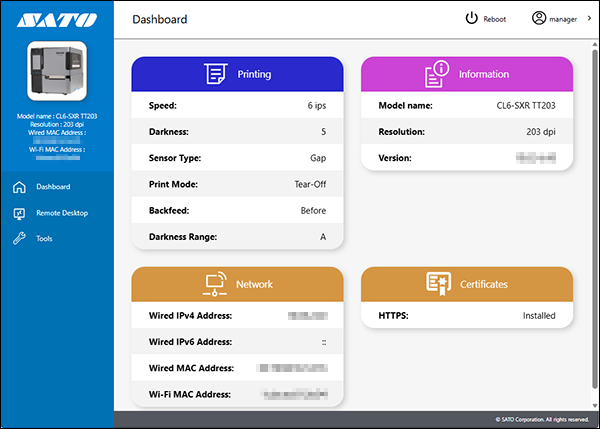
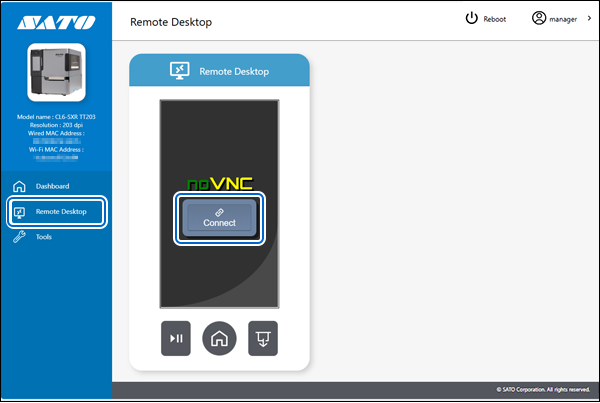
 from the settings screen to log in to the printer.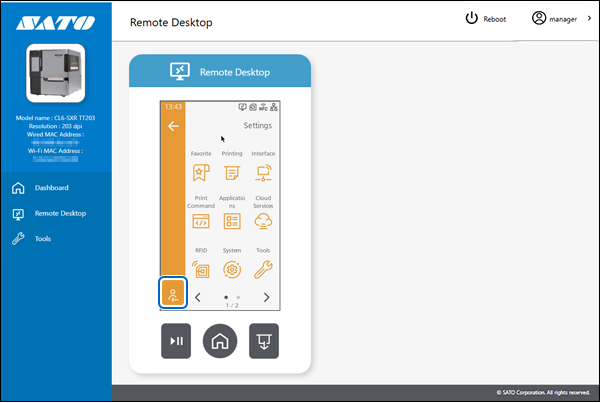
 .
.