TOP > Navigating the Application > Top Toolbar > More Apps > [Export or Import Printers]
[Export or Import Printers]
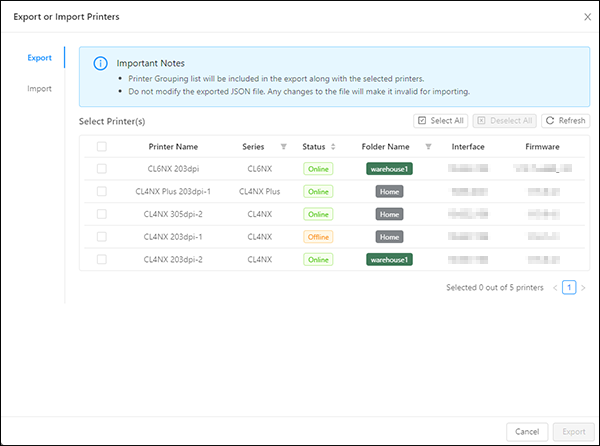
On the printer page, use [Export or Import Printers] to back up or transfer printer data between devices. You can export all or selected printers to a JSON file and import a previously exported printer list into All-In-One Tool.

•
[Export or Import Printers] is available only on the printer page.
1.
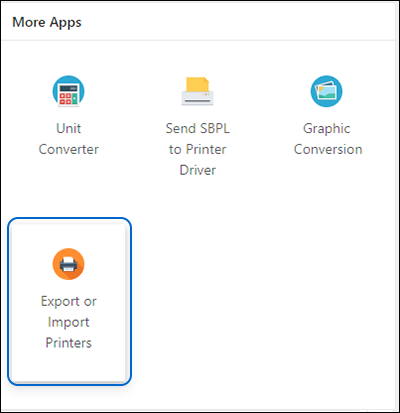
Click [More Apps].
2.
Click [Export or Import Printers].
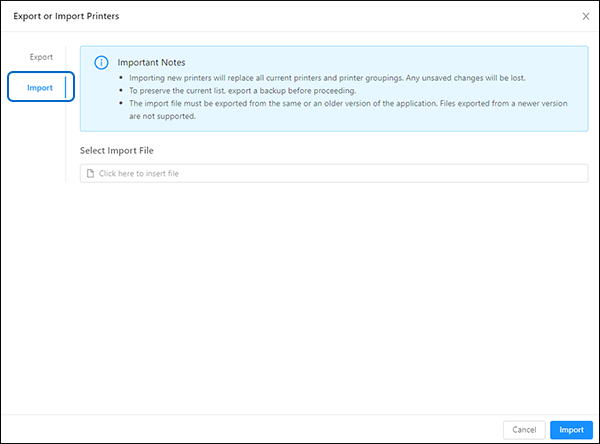
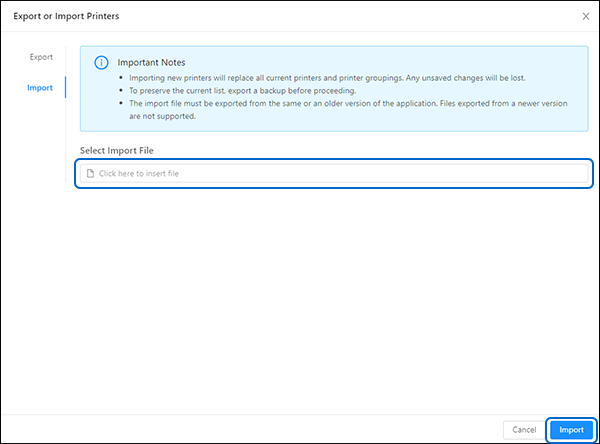
The [Export or Import Printers] dialog is shown.
Export the Printer List
1.
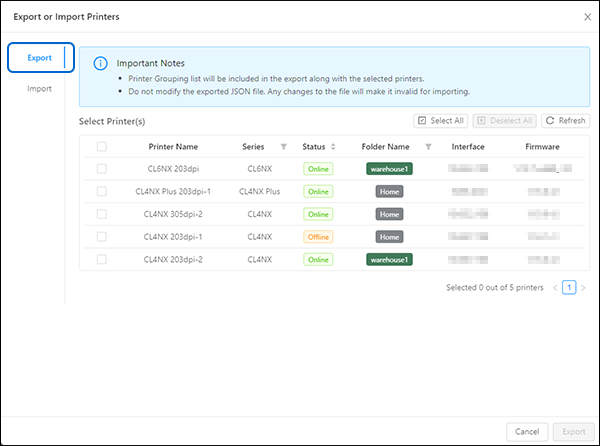
Click the [Export] tab. It is selected by default.
3.
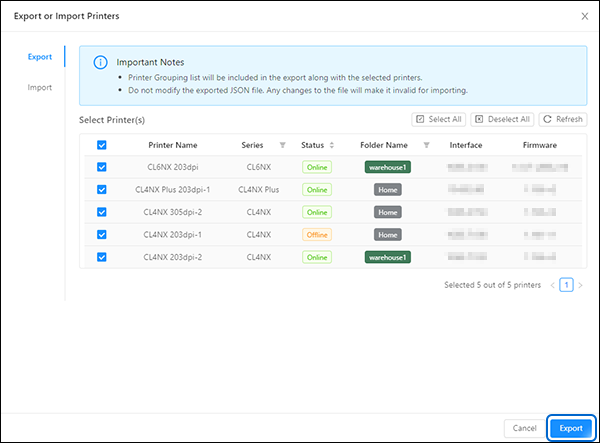
Click [Export] to export the printer list.
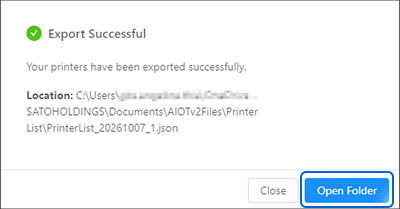
When the export is complete, the [Export Successful] dialog is shown.
To transfer the printer list to another device, click [Open Folder], and then copy the exported JSON file to the other device.
Import the Printer List
 

Top

Back