

 /
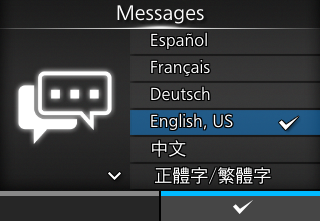
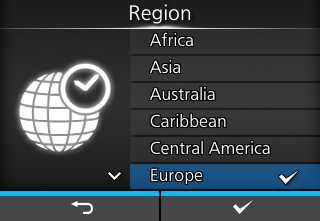
/ buttons, and apply them with the
  button (
 ) or
) or  button.
 ).
). (power) button on the operator panel until the LED indicator lights blue to power on the product.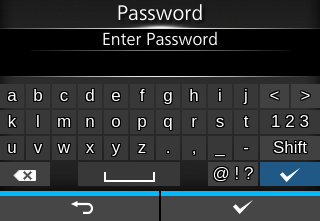
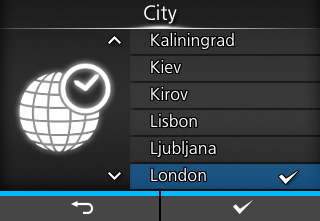
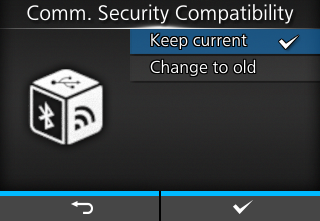
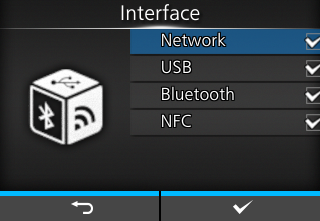
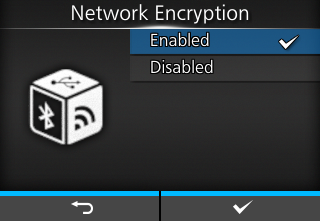
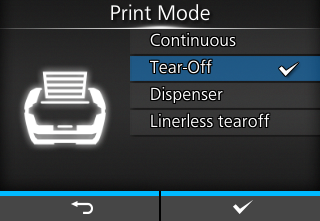
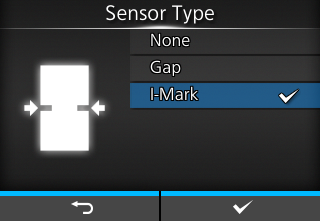
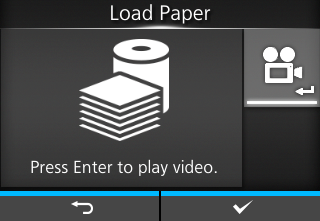
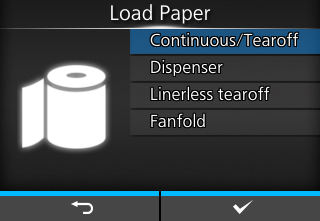
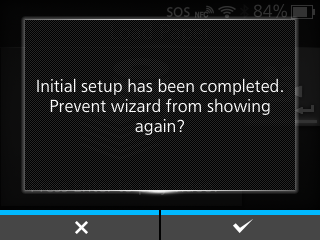
 ). To not show it, press the