TOP > Getting Started > Signing Up/Logging In
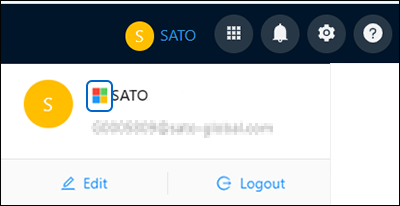
2.
3.
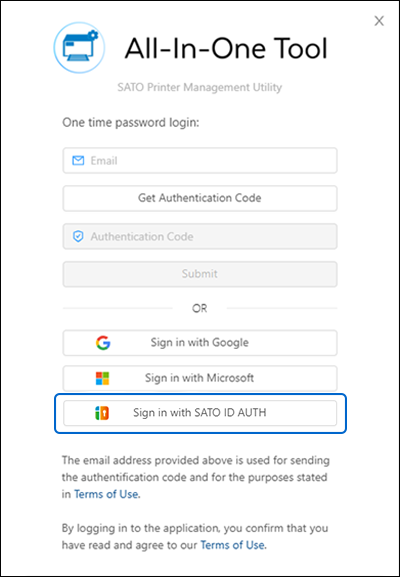
• You need to enter the authentication code within 20 minutes after receiving the email. If the code is expired, click [Get Authentication Code] again to receive another new code.
6.
2.
3.
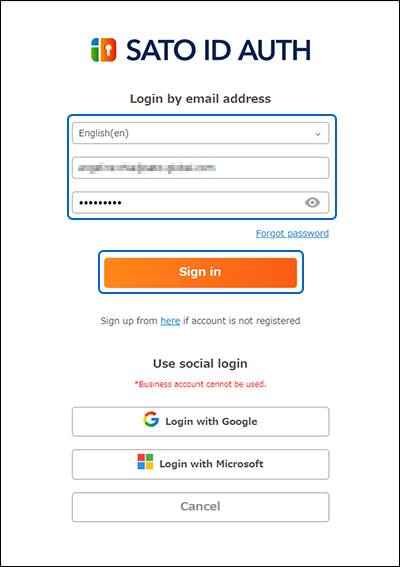
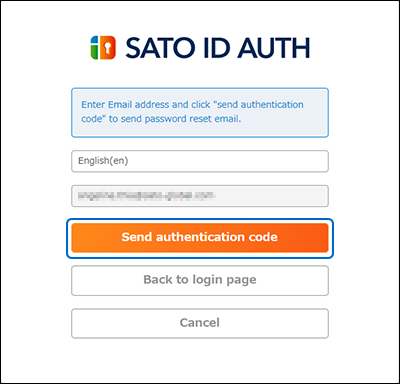
• If you forget your password, click [Forgot password] on the login screen and follow the on-screen instructions to reset it.
4.
7.
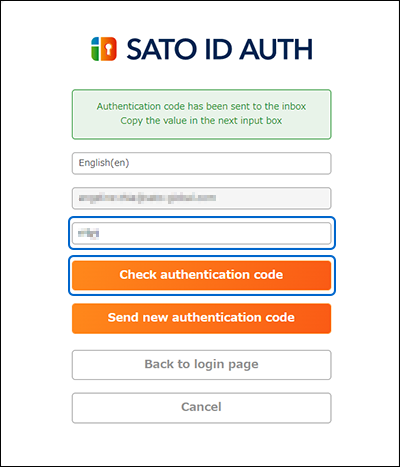
• If you do not receive the code within a few minutes, click [Send new authentication code] to request a new one.