TOP > Navigating the Application > Printer Page > Unlock the Printer LCD
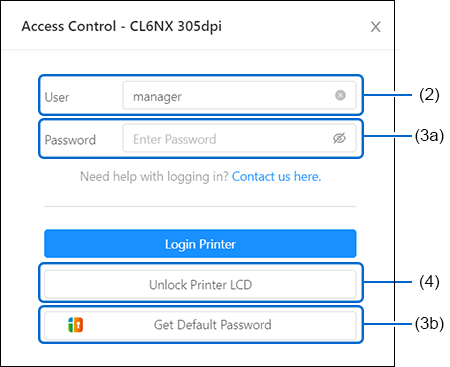
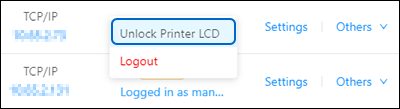
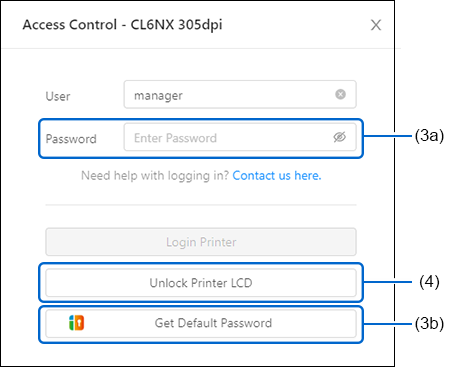
Use [Unlock Printer LCD] to unlock access to the [Setting] menu on the printer LCD.
This function is different from logging in to the printer from the application. Printer login lets the application perform functions that require authentication. [Unlock Printer LCD] lets you operate the printer LCD when the password setting is enabled on the printer LCD menu.
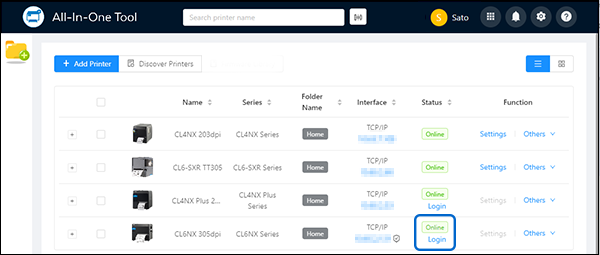
[Unlock Printer LCD] can be used only with printers that support the printer login feature.
When You Are Not Logged In to the Printer
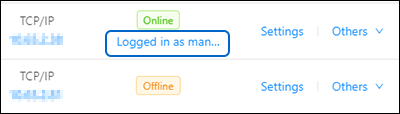
When You Are Already Logged In to the Printer
 

Top

Back