1.
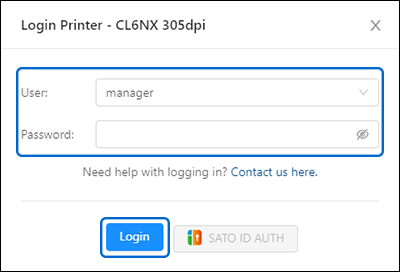
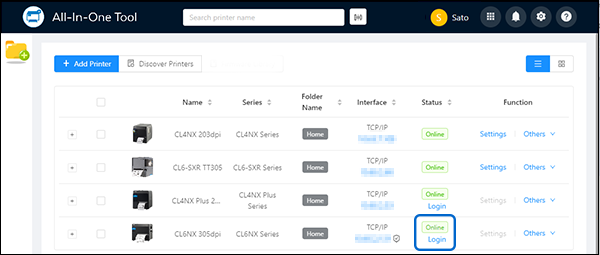
Click [Login].
When the icon appears, it indicates that communication between the application and the printer is protected by encryption.
2.
Enter the [User] access level.
2) Click [Get Default Password] to retrieve the unique default password.
If you need assistance to log in to the printer, click [Contact us here] to submit a request.
4.
Click [Login Printer].
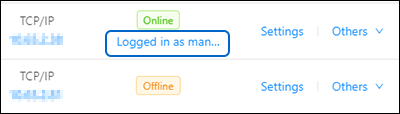
Upon successful login, the [Settings] and [Others] menus become available.
Log Out of the Printer
2.
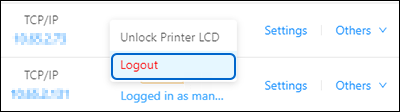
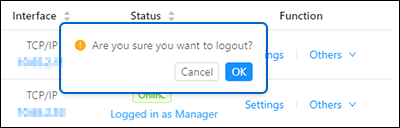
Click [Logout].
If the printer does not support the [Unlock Printer LCD] feature, skip step 2.
 

Top

Back