TOP > Navigating the Application > Printer Page > Printer Logging In/Logging Out
1.
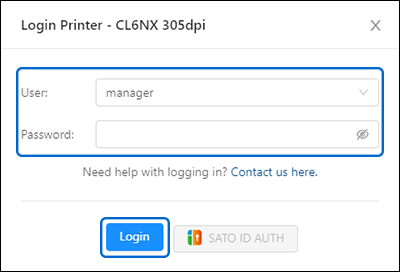
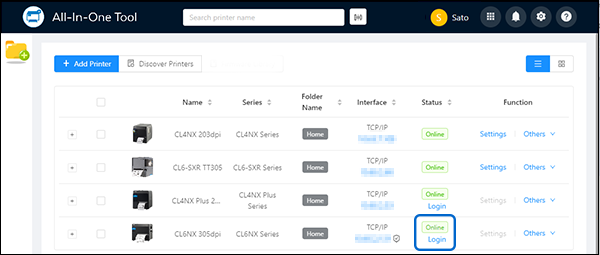
Click [Login].
When the icon appears, it indicates that communication between the application and the printer is protected by encryption.
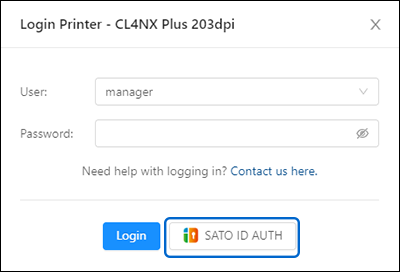
When signing in with an SATO ID AUTH account, click [SATO ID AUTH] to log in to the printer. The option is grayed out if you are not using the SATO ID AUTH account.
Upon successful login, the [Settings] and [Others] menus become available.
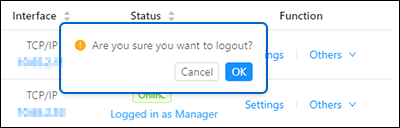
Click [Logged in as Manager]. A dialog box appears. Click [OK] to log out.
 

Top

Back