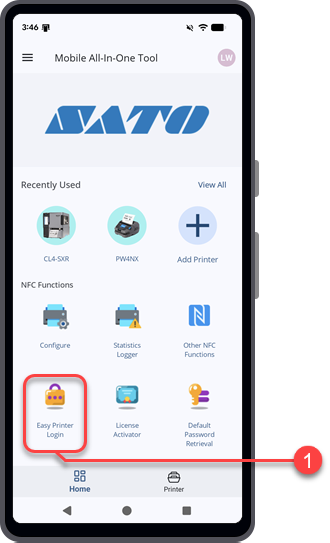
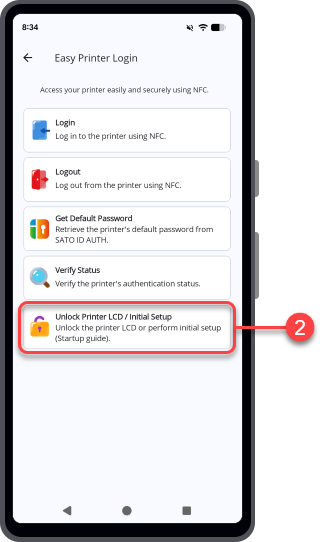
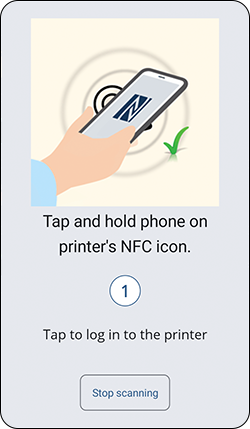
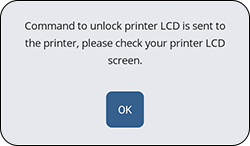
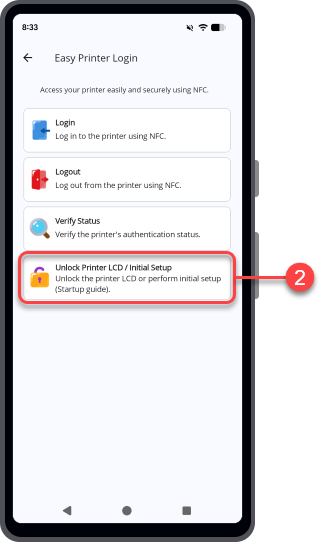
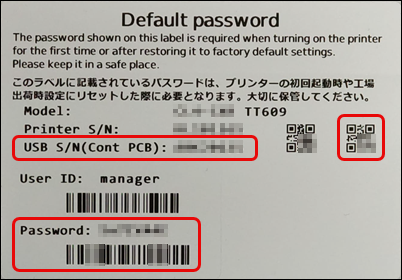
Use the NFC interface to unlock the printer LCD from [Easy Printer Login] when the printer has not been added to the printer list.
1.
2.
3.
4.
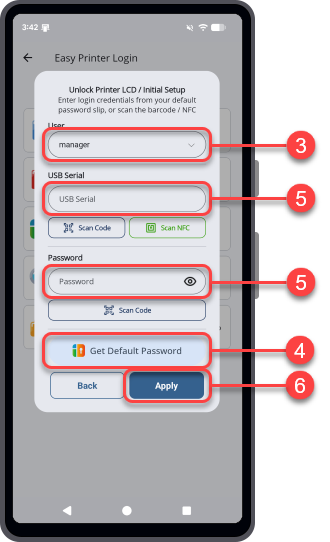
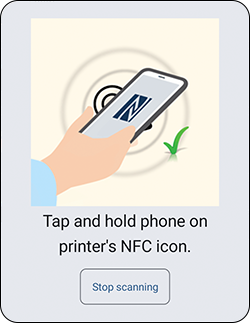
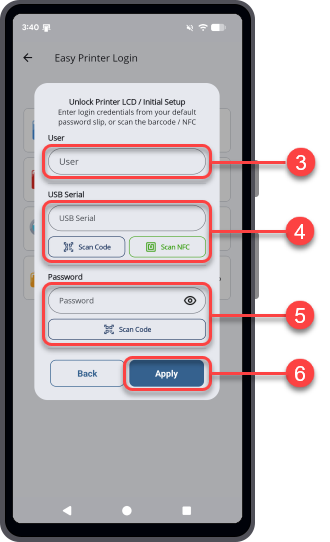
◦ If you have the Default password label that comes with the printer package, tap [Scan Code] and scan the QR code for the USB serial number.Tap [Scan NFC] and hold the Android device or iPhone close to the printer's NFC antenna. The NFC antenna location is marked with asymbol.
◦ If you have the Default password label that comes with the printer package, tap [Scan Code] and scan the barcode for the password.
For global users: Global Helpdesk.For users in Japan: Japan Helpdesk.
6.