

TOP > Getting Started > Using the NFC Interface
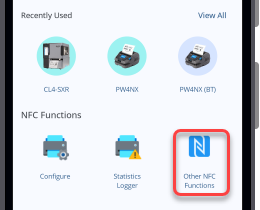
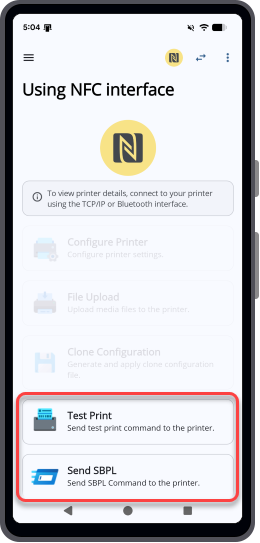
[Test Print]
[Send SBPL]
[Statistics Logger]
[Easy Printer Login]
[License Activator]
[Easy RFID Configuration]
[Default Password Retrieval]
[Default Password Retrieval] appears only when you are logged in to the application with your SATO ID AUTH account.

 Switch printer icon.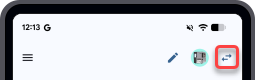
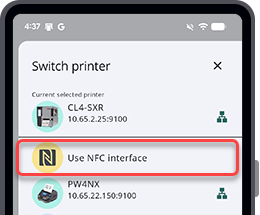
 symbol.

