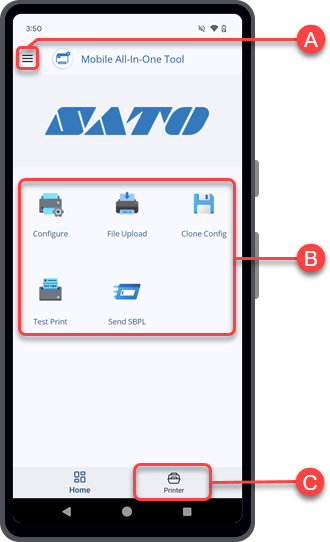
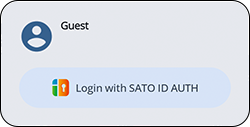
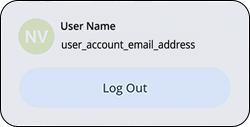
When you open the Mobile All-In-One Tool application, the [Home] page is the first screen you see. It provides quick access to basic navigation, user sign-in option, preference settings, and offline features.
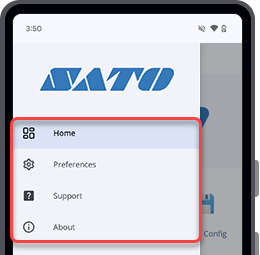
Side menu (Home page)
Tap the[Home]
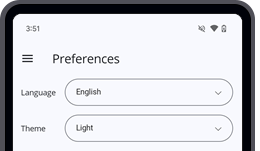
[Preferences]
You can set the [Language] and [Theme] setting of the Mobile All-In-One Tool application in the [Preferences] screen.
[FAQs]
Tap [FAQs] to open the online Mobile All-In-One Tool V2 User Manual in a browser. The Frequently Asked Questions section is displayed.
to close the browser.
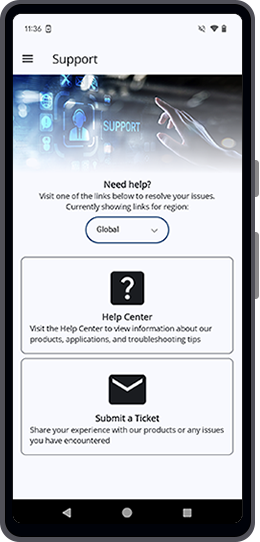
[Support]
The [Support] menu allows you to report any issues you encounter or ask questions, as well as access information.You can switch the region links by selecting either Global (for global users) or Japan (for users in Japan).
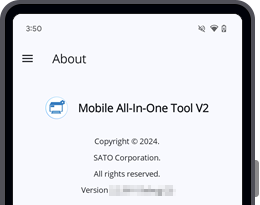
[About]

User Login icon
Recently used printers
Printer configuration and NFC functions
[Configure]
[Statistics Logger]
[Other NFC Functions]
[Easy Printer Login]
[License Activator]
[Easy RFID Configuration]

[Printer] icon
Tap